What is Alpha?

Turn the work your team already produces into usable operational knowledge.

Alpha reads the meetings, email, chat, and documents you choose. It organizes them into vaults, connects the people and systems inside them, and gives your team a grounded way to ask questions and create useful work.

Find the real process

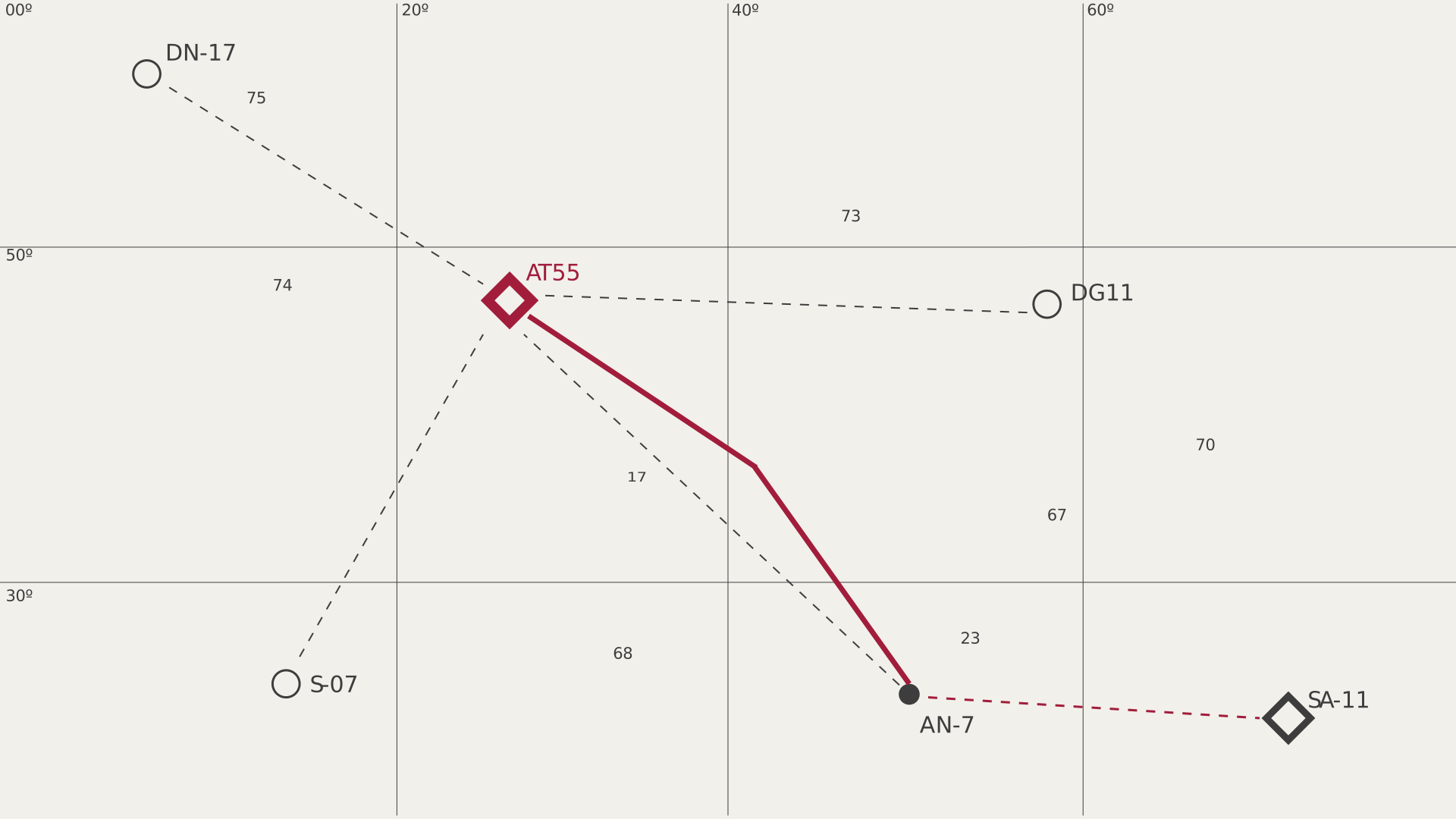
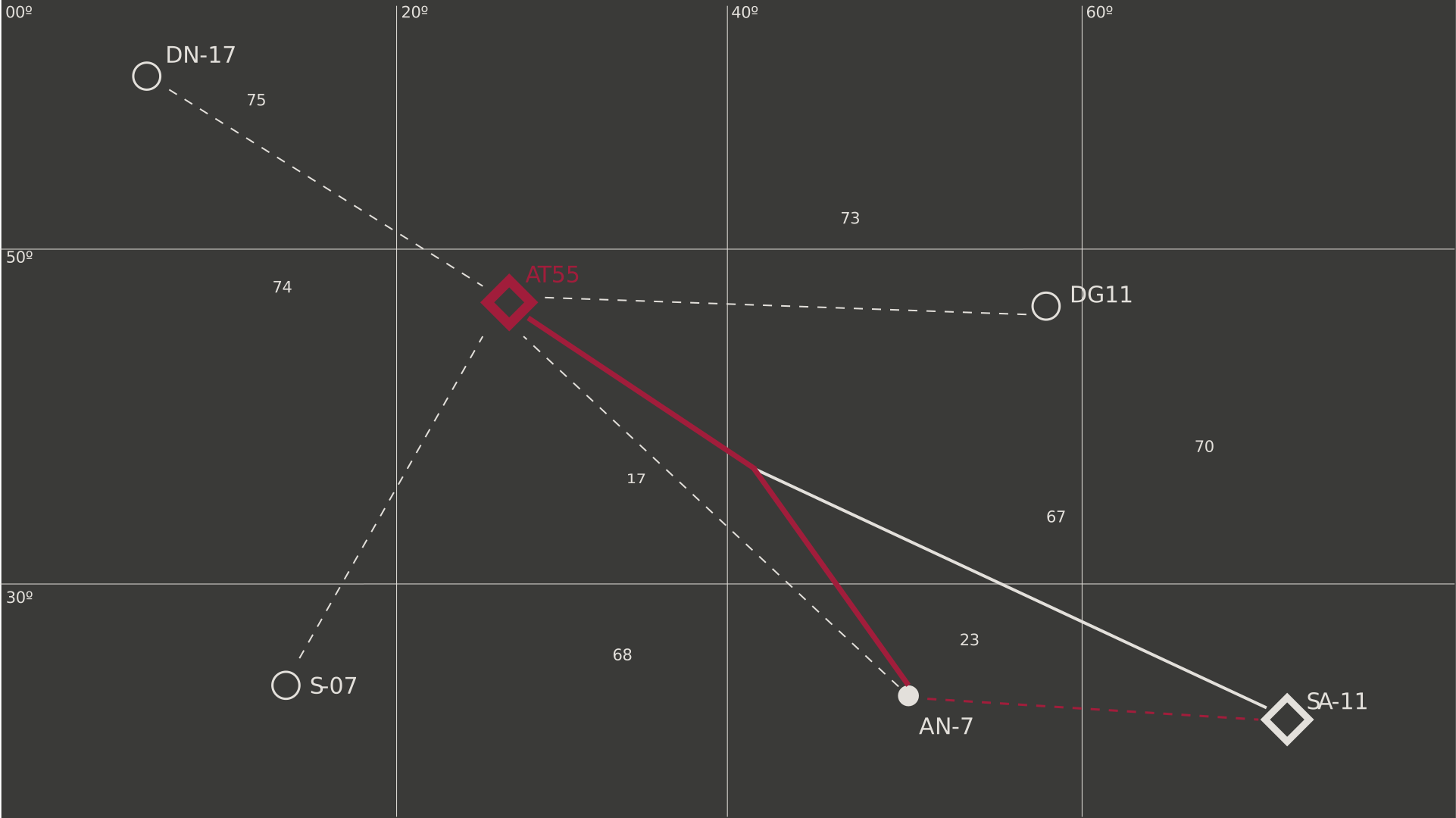
See how people, systems, decisions, problems, and tasks connect across source material.

Ask with evidence

Ask questions in Alpha, Slack, email, or an MCP client. Answers stay within the vaults you can access.

Make the next thing

Turn knowledge into reports, workbooks, charts, briefs, and tasks without losing the supporting evidence.

How Alpha is organized

A vault is a controlled workspace for a client, project, or internal team. Each source is routed into a vault by rules you approve. Every search, graph query, and generated artifact carries that vault boundary forward.

Do not connect accounts and then rely on a vault name alone. Review keywords, domains, included folders, and selected chat channels before starting ingestion.

Start here

1

Connect the accounts you want Alpha to read

Connect Google Workspace, Microsoft 365, or Slack. A connected account does not mean Alpha reads everything.

2

Create or join the right vaults

Use an existing vault when your organization already has one for the client or project. Request access instead of creating a duplicate.

3

Review routing rules and exact selections

Mail and calendar use keywords and domains. Drive, Teams, and Slack also let you approve exact folders, files, or conversations.

4

Start ingestion and verify the first results

Check the source counts, open a meeting or file, and confirm the graph connects claims back to evidence.